Important note: Complete all steps to import the gift card with an IP address other than Iran. Gift Maz is not responsible for the consequences of importing the gift card with an Iranian IP address.

How to use a PlayStation gift card

0
First stage

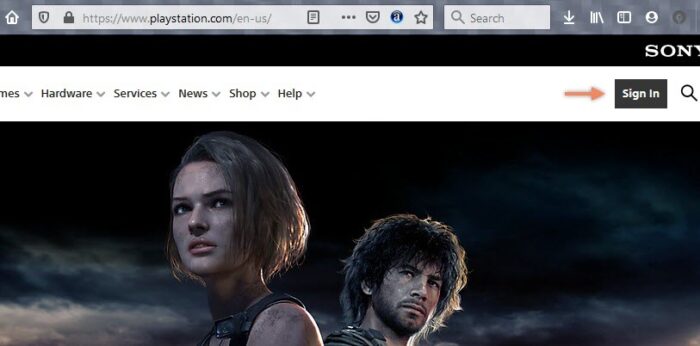
Go to www.playstation.com/en-us.

Then, as shown in the image, click Sign In to log in to your account.

After logging in, you will be redirected back to the homepage. Now, click on your profile and select Account Settings.

Step Two

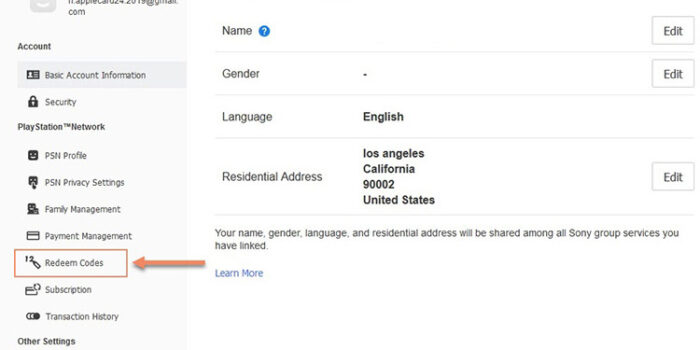
On the opened page, click Redeem Code from the left-hand menu.
Step Three

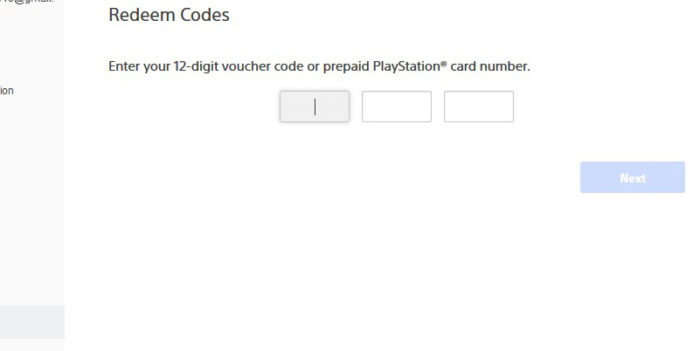
Enter your PlayStation gift card code in the relevant fields and click Next.

Step Four

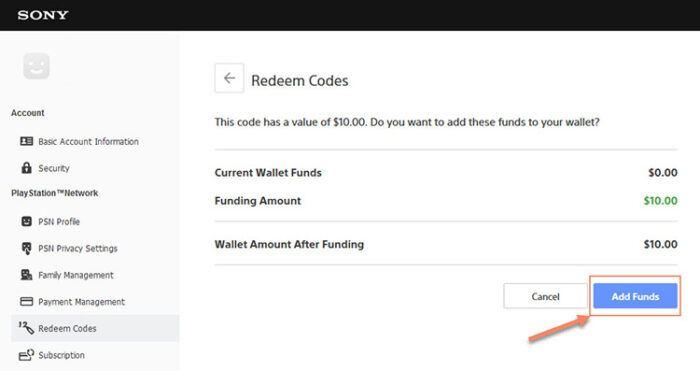
If there is no issue with your gift card code, you will be redirected to the confirmation page.

As shown in the image, by clicking the Add Funds option, the gift card amount will be added to your PlayStation account.

PlayStation Plus gift cards can also be redeemed using this method.
First stage

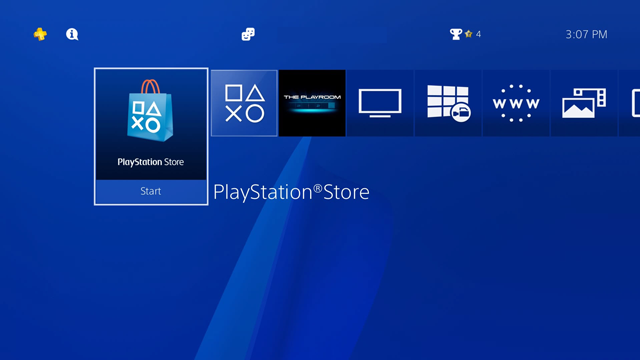
Go to the PlayStation Store on your console.

Second stage

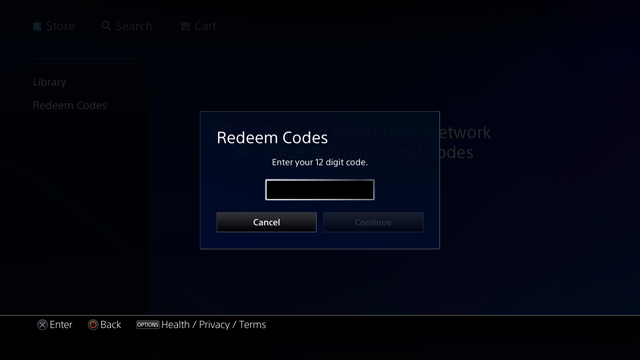
Then click on the Redeem Code option from the left menu.
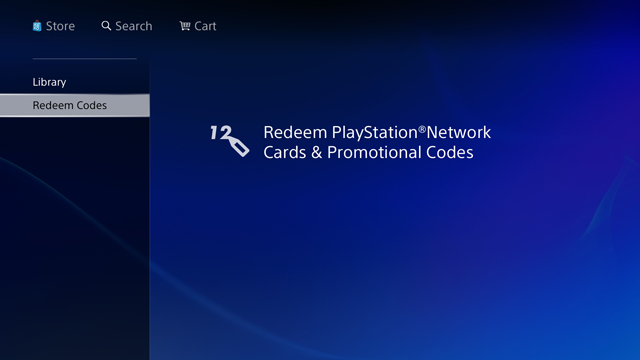
Third stage

Enter your 12-character gift card code in the relevant field and click Continue.

Step Four

If you have entered the code correctly, you will see a message stating that the operation was successful.

It is important to note that the country of your account must be the same as the country of your gift card, otherwise the gift card import operation will not be completed.


FAQ

What should I do if the gift card code does not work?11

In case of any issue, simply contact Giftmaz support so the matter can be reviewed and resolved as quickly as possible.

Is it possible to return or exchange a gift card?

Due to the digital nature of gift cards, returns or exchanges are not possible once the code has been displayed, except in cases of a confirmed technical issue.

Is buying from Giftmaz safe?

Yes, all payments are processed through secure banking gateways, and users’ information is fully protected.

Which country are the gift cards for?

Each gift card is specific to a particular region, which is clearly stated before purchase. Please make sure to check the region carefully before buying.

What happens if I accidentally buy the wrong region?

In this case, the gift card cannot be used. Therefore, make sure to check your account region carefully before purchasing.

Leave a Reply

Your email address will not be published. Required fields are marked *