Gift Card Selection
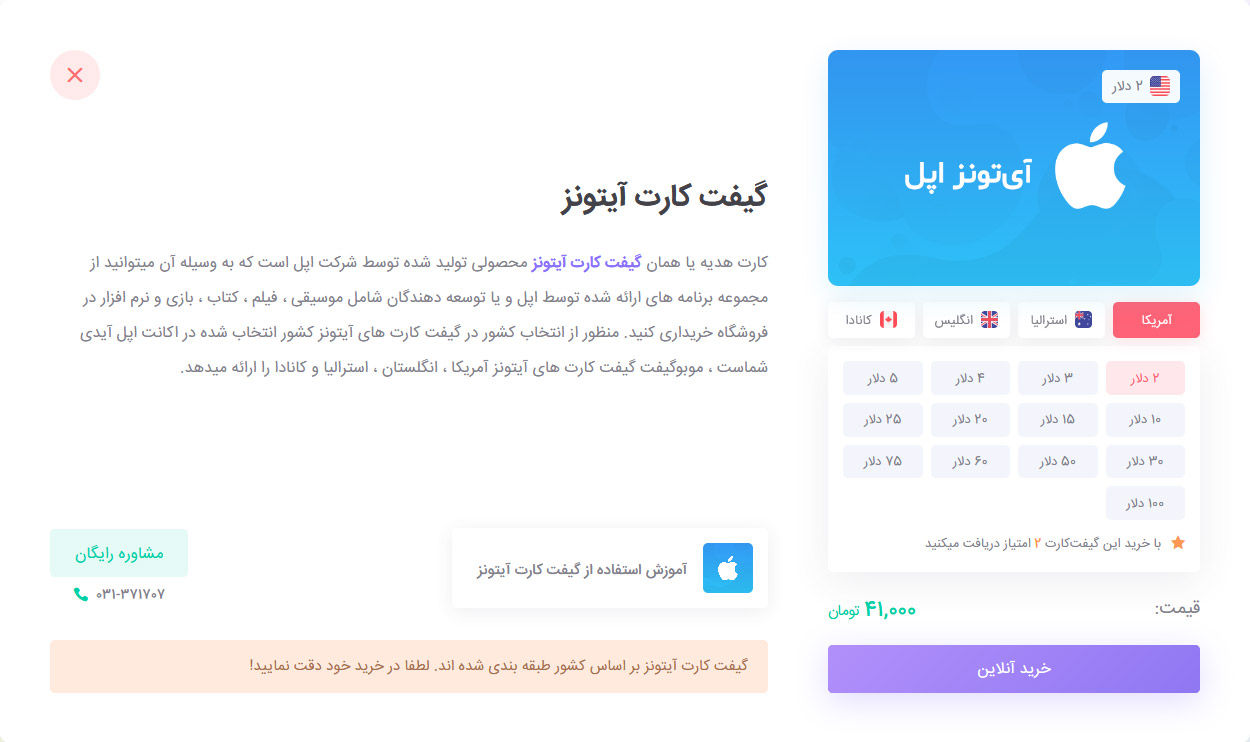
First, select the type of gift card and its currency amount. Please note that some gift cards are categorized by country. Then, click Buy Online to add it to your shopping cart. You will then be redirected to your cart, where you can view your proforma invoice.
Shopping Cart and Proforma Invoice
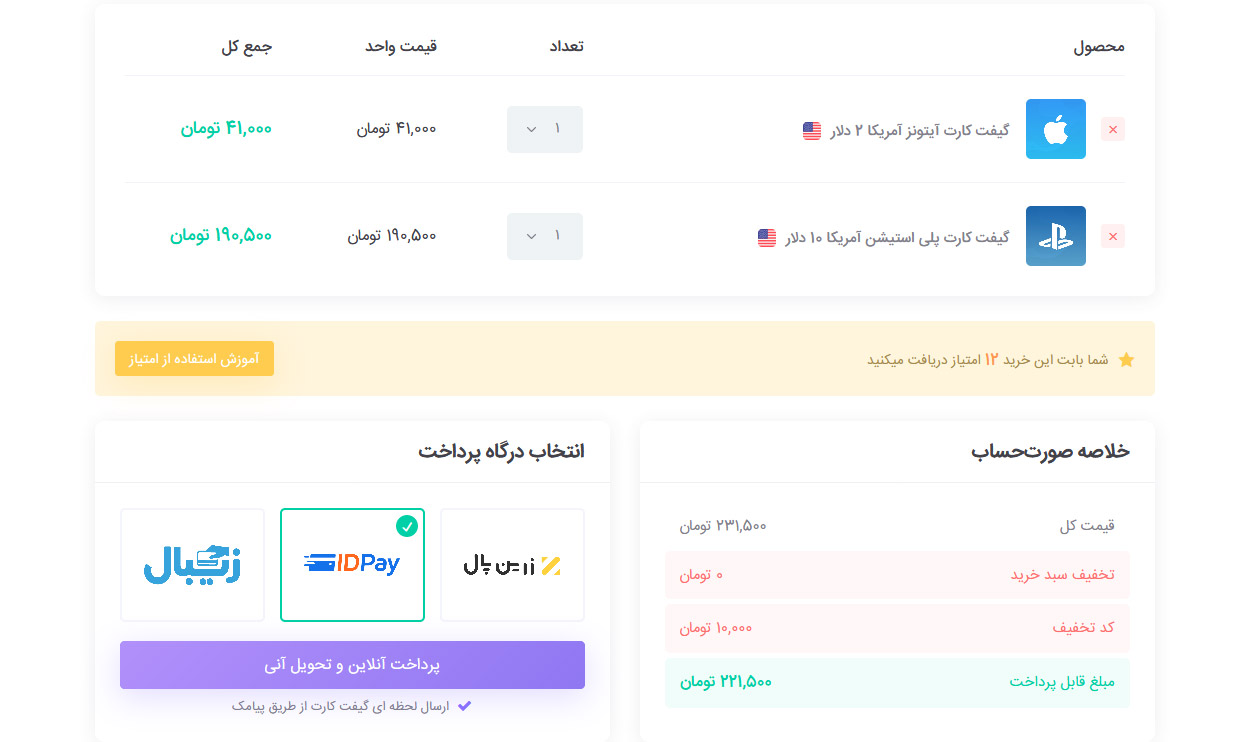
If you wish to purchase other products, you can continue shopping by selecting “Return to Store and Continue Shopping.”
You can also apply your discount code if you have one. Then, select your preferred payment gateway and choose Online Payment and Instant Delivery.
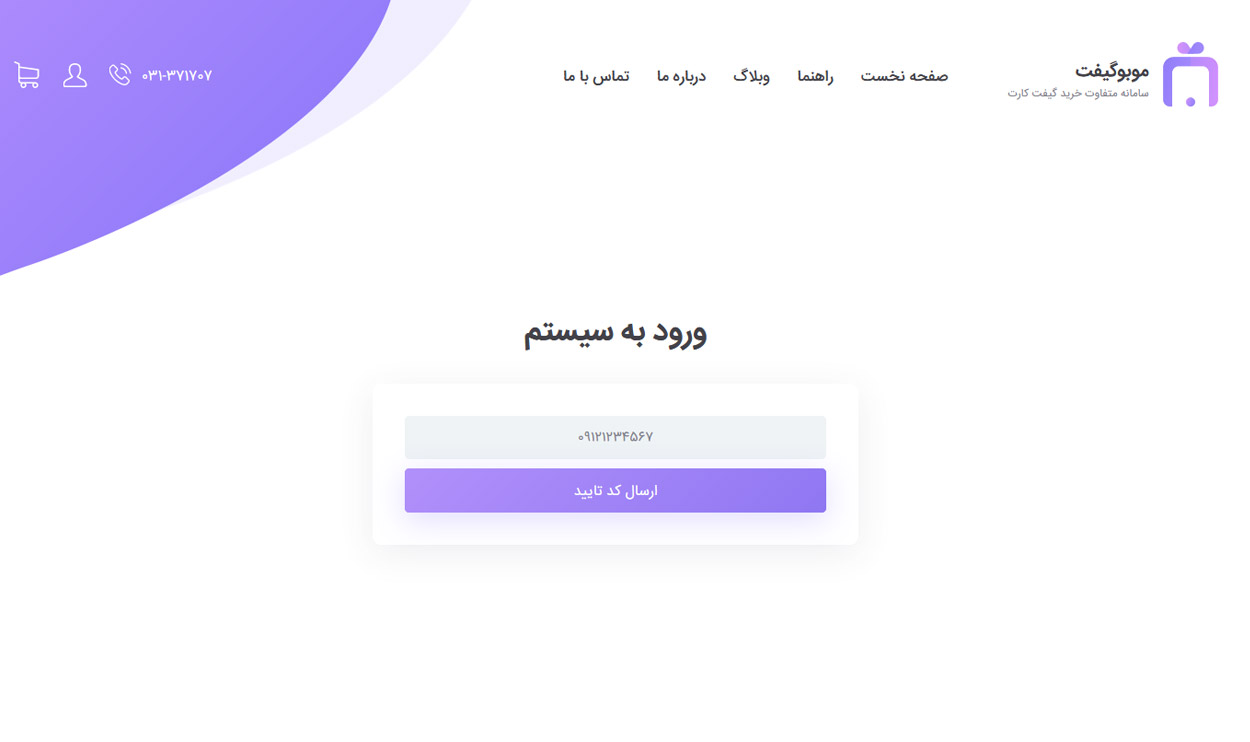
Login
After clicking the Online Payment button, if you are not logged in, you will be redirected to the login page.
At this stage, enter your mobile number. An SMS containing a verification code will be sent to you. Enter the code and click the Login to Website button.
After logging in, you will be redirected to your shopping cart again, where you can proceed with the payment.
Online Payment
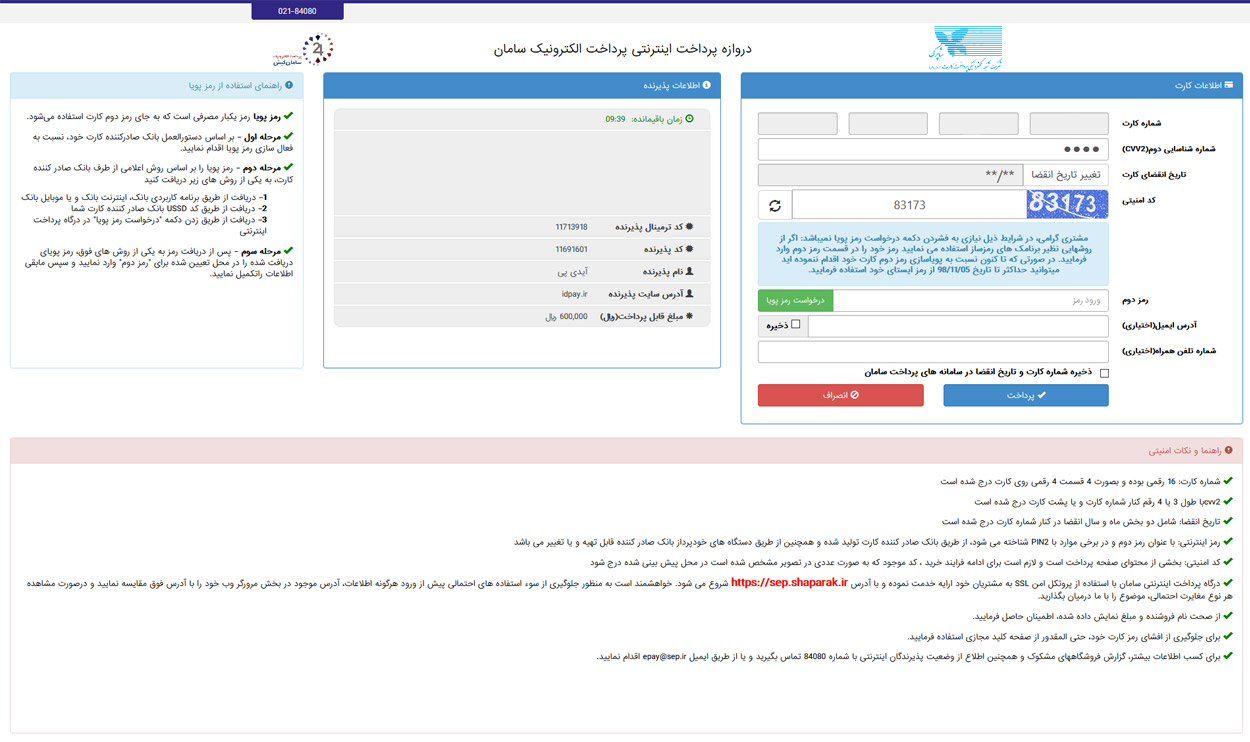
After selecting Online Payment, you will be redirected to the bank’s online payment page. You can complete your payment using all Shetab network bank cards.
According to the latest regulations, you need a dynamic password / one-time password (OTP) for online payments. You can receive the password via SMS by selecting the Receive Dynamic Password button, or read this article for instructions on how to get a dynamic password.
Gift Card Delivery
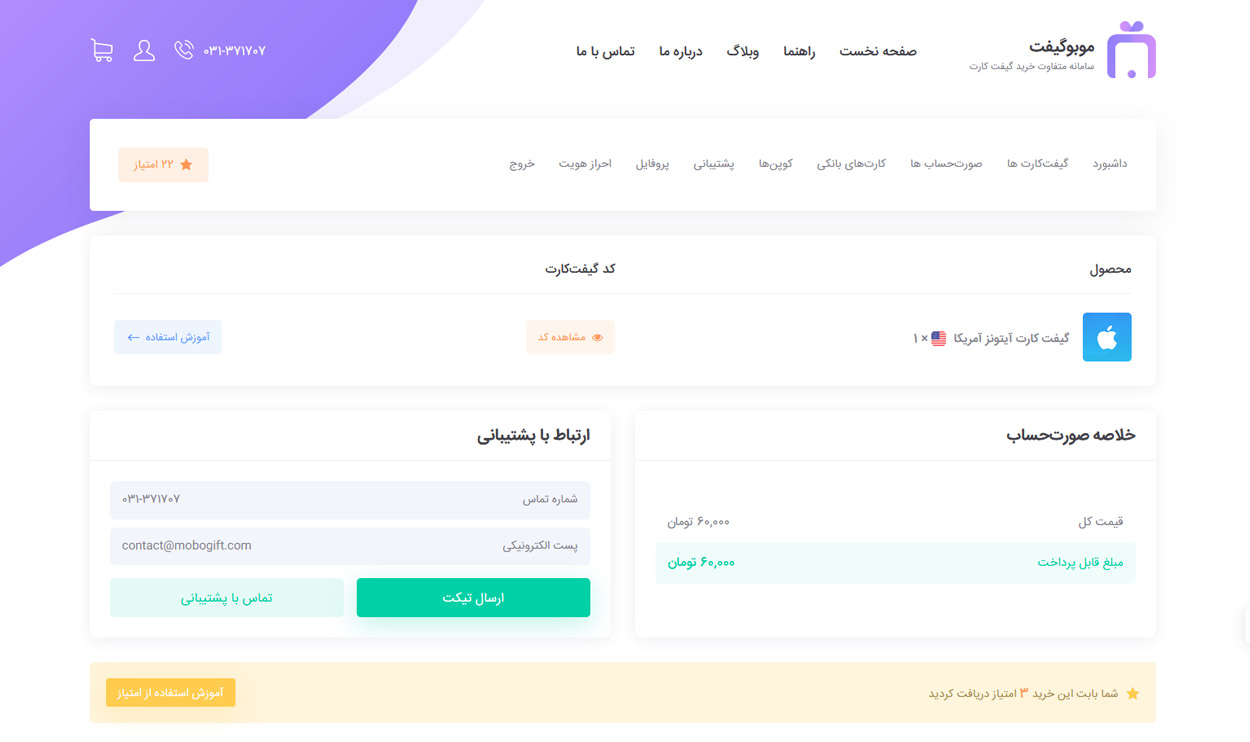
After completing the online payment, if the transaction is successful, you will be redirected back to Giftmaz, where your purchased gift cards will be delivered instantly.
By selecting the View Code option, you can see the purchased codes. The purchased codes will also be sent to you via SMS and email.
Please note that if the code is not visible, your purchase limit has been reached and you need to complete the identity verification process from your user panel.
Usage Guide
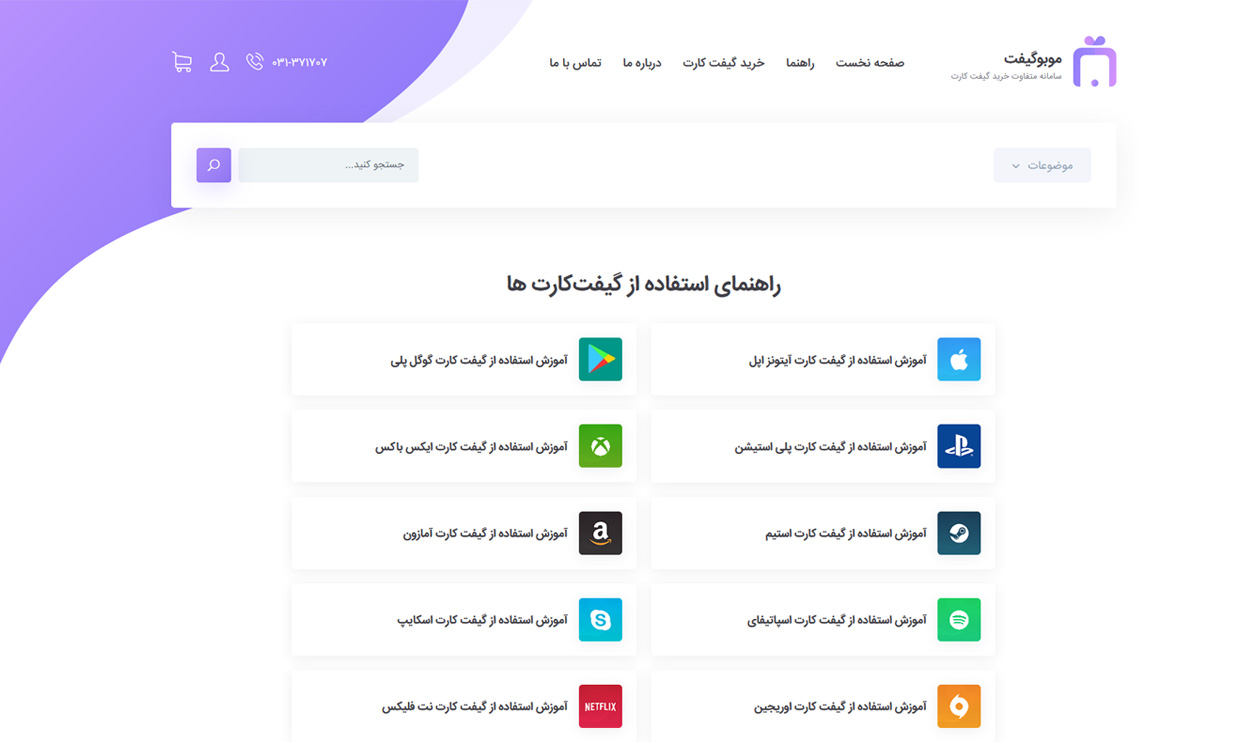
Once your purchased gift card or gift cards are delivered, the usage instructions for all of them will be available in the delivered invoice, allowing you to use them easily.
For easy access to all tutorials, you can also tap this link.